Design Salesforce AI Integrations That Truly Complement Einstein
Design Salesforce AI integration that builds on, not duplicates, Einstein. Map native capabilities, find real gaps, and plan additive AI that avoids double spend.
Most companies exploring Salesforce AI integration are quietly paying for the same capabilities two or three times—once in their Salesforce Einstein licenses, again in external AI tools, and a third time in bespoke integrations that ignore what they already own.
The pattern is subtle. You roll out Salesforce Einstein, then a vendor demos a shiny AI assistant, then an SI proposes custom models. Each looks reasonable in isolation. Together, they form an over-engineered, under-used AI stack sitting on top of the same CRM data.
If you feel pressure to prove ROI on both Salesforce and AI while every vendor claims to be “Einstein on steroids,” you’re not alone. The problem isn’t a lack of AI. It’s a lack of an Einstein-first Salesforce AI strategy.
In this guide, we’ll treat Salesforce Einstein and Einstein GPT as your baseline AI operating system. We’ll map what you already get, show you how to inventory your real use cases, and then design external AI that truly complements—rather than competes with—Einstein.
At Buzzi.ai, we specialize in Einstein-aware Salesforce AI integration: additive, not redundant. This is the playbook we use to help teams stop paying twice for the same AI and start compounding value instead.
Start With Einstein: What Salesforce AI Already Gives You
The Einstein portfolio in plain language
Before you evaluate any external Salesforce integration, you need a clear answer to one question: what AI capabilities does Salesforce Einstein include before integration? The challenge is that Einstein is a portfolio, not a single product, and the names blur together.
Think of Einstein as an AI layer woven through your CRM, not a separate app. Here’s the core landscape in everyday terms, skipping the marketing gloss:
Sales Cloud Einstein focuses on sales productivity and pipeline quality. It powers things like lead and opportunity scoring, opportunity insights (e.g., “deal slipping,” “no recent activity”), and Einstein activity capture that logs emails and calendar events for you. In short, it helps reps spend less time updating CRM and more time on high-probability deals.
Service Cloud Einstein brings similar intelligence to support. It classifies and routes cases, suggests replies to agents, recommends knowledge articles, and powers AI for customer service in Salesforce through features like chatbots and next best actions in the console. The goal: faster, more consistent resolutions without adding headcount linearly.
On the analytics and data side, Einstein Discovery and Einstein Prediction Builder let you build predictive models on your Salesforce data with minimal code. Discovery is optimized for sophisticated analysis—“what drives churn?”—and automated insights. Prediction Builder is for point-and-click custom predictions like “likelihood to close” or “will this customer renew?”
Einstein Next Best Action acts as a recommendation engine embedded in Salesforce UI. It surfaces context-aware “cards” with suggested actions (offer a discount, escalate a case, propose an upsell) based on rules, data, or model outputs. Einstein bots handle simple conversational flows on digital channels, tying back into cases, leads, or other records.
Then there’s the generative layer: Einstein GPT and Einstein Copilot. These give you AI assistance for drafting emails, call summaries, and knowledge articles, as well as a Copilot panel that can take actions in Salesforce via natural language (“create a follow-up task,” “summarize this opportunity”). Underneath, they rely on LLMs plus your CRM data and metadata.
Finally, Salesforce Data Cloud adds AI on top of unified customer profiles. It lets Einstein tap into data beyond CRM objects—web behavior, product usage, offline events—enabling richer Einstein analytics and more powerful predictions.
Licensing and entitlements vary by edition and add-ons, but the key idea is simple: a lot of “AI for CRM” vendors are reselling patterns that Einstein already covers as native Salesforce native AI features.
Out-of-the-box Einstein use cases across the funnel
Once we translate the product names, the next step is to see what Einstein actually does for real workflows. This is where you start to see overlaps with common pitches for “AI-powered CRM.”
On the sales side, you already have predictive lead scoring in Salesforce via Sales Cloud Einstein. It ranks leads by conversion likelihood so reps can prioritize follow-ups. Opportunity insights flag deals at risk, while activity capture and AI-powered task suggestions reduce the manual admin work that reps hate.
With Einstein GPT and Copilot, sellers can draft outreach emails, summarize calls, and generate next-step suggestions directly inside Salesforce. That’s already a big chunk of what many generic “AI sales assistant” tools promise.
On the service side, Service Cloud Einstein powers automatic case classification and routing, recommended replies, knowledge article suggestions, and case deflection flows via bots. If you’re evaluating “AI for customer service in Salesforce,” you’re likely overlapping heavily with what Einstein can do out of the box.
Marketing and analytics teams can tap into Einstein analytics, Einstein Discovery, and Data Cloud. That enables lead and account scoring for campaigns, churn and upsell propensity models, and journey optimization—again, many of the same capabilities SaaS vendors market as standalone “AI for RevOps.”
When we walk clients through their live org, they’re often surprised: the baseline Einstein layer already touches most of their critical sales and service workflows. The question is less “Do we need AI?” and more “Why aren’t we fully using the AI we already own?”
Where Einstein is intentionally opinionated
Einstein’s power comes with a trade-off: it is intentionally opinionated. It is optimized for common CRM patterns with guardrails—configuration over code, standard data models, and tight workflow integration.
For example, Einstein Prediction Builder expects you to define a clear prediction on a specific Salesforce object (“Will this Opportunity close in 90 days?”). You point it at fields and outcomes, and it handles feature engineering, training, and deployment. You don’t choose architectures, hyperparameters, or MLOps tooling. Salesforce does.
This is usually a good thing. For many teams, these Salesforce native AI features reduce risk, accelerate time-to-value, and avoid the overhead of managing custom models in production. That’s CRM AI optimization by design.
But these same guardrails also define where external AI can add unique value. If your use case falls neatly into Einstein’s opinionated lane, you should almost always start there. External AI should be reserved for problems that break those assumptions—unusual data, domain-specific models, or workflows spanning systems Einstein doesn’t see.
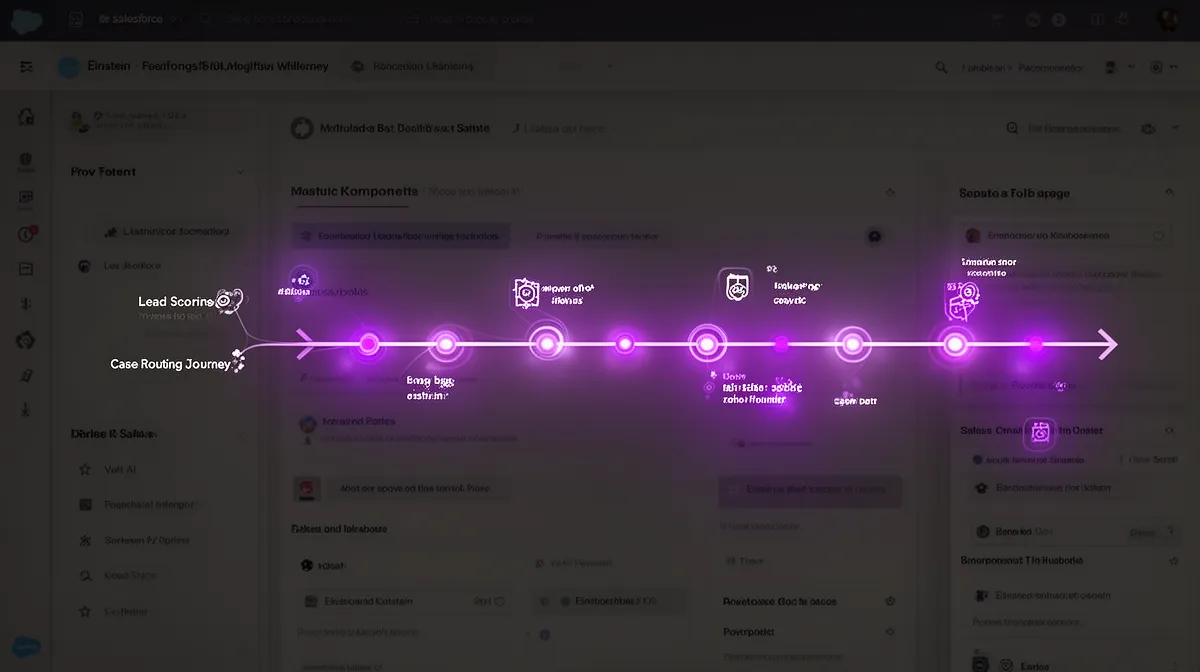
Map Your AI Use Cases to Einstein Before You Buy Anything
Build an inventory of AI use cases, not tools
The foundation of a sane Salesforce AI strategy is a use-case backlog, not a tools spreadsheet. Before talking vendors, you want a clear list of the decisions and workflows where AI could materially change outcomes.
Start with sales and service because that’s where most of the budget and impact live. Your backlog might include items like: lead scoring, renewal risk prediction, upsell recommendations, case routing, next best action for agents, email drafting, content summarization, knowledge search, or sentiment analysis.
For each use case, capture a few simple attributes: business owner, target users, existing workflow, KPIs, and data required. For example: “Renewal risk prediction, owned by Customer Success, used by account managers in Account view, KPI = retained ARR, data = usage metrics + support tickets + contract dates.”
Here’s how a B2B SaaS company’s backlog might start:
- Lead conversion scoring for inbound demo requests
- Opportunity win probability and deal health signals
- Renewal risk scoring 90 days pre-renewal
- Upsell propensity for add-on modules
- Case triage and routing by product and severity
- Reply suggestions and knowledge recommendations for agents
- Automated call summary and next steps after sales calls
- RFP response drafting and contract clause risk tagging
Notice that none of these mention products yet. That’s deliberate. You’re defining the landscape where AI-powered sales automation and AI for customer service in Salesforce might help—before you let vendors shape the agenda.
Create an Einstein coverage map
Once you have a backlog, the next move is to build an Einstein coverage map. This is where you answer, concretely, what AI capabilities does Salesforce Einstein include before integration for each use case.
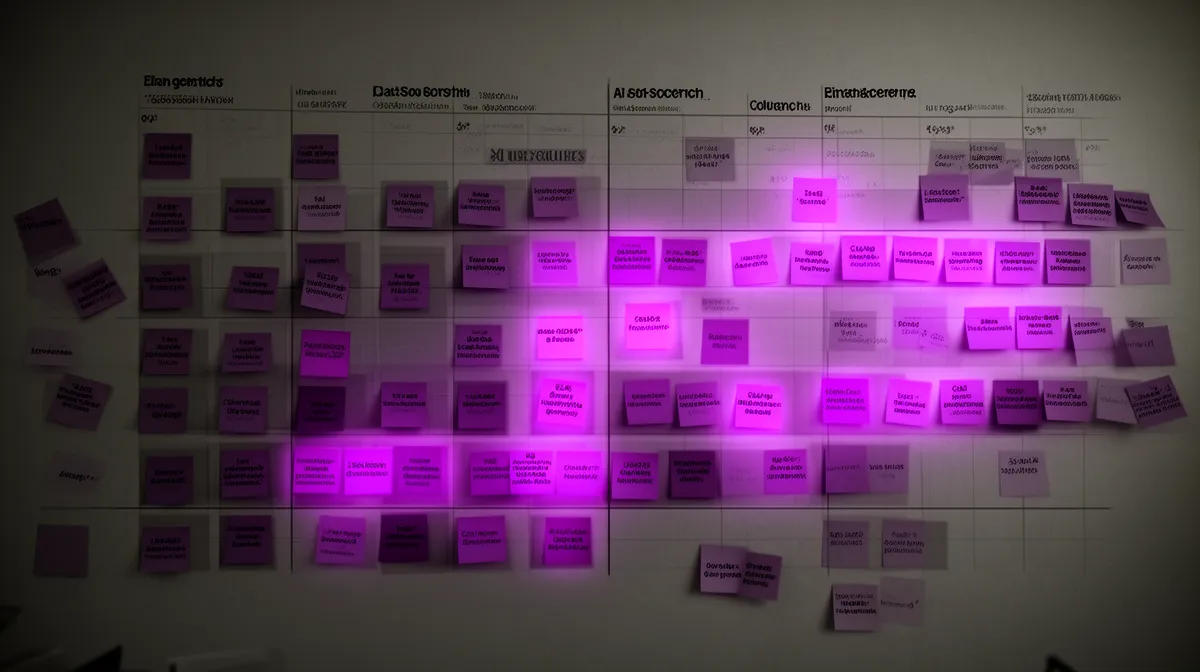
A simple spreadsheet works well. Rows are use cases; columns might include “Covered by Sales Cloud Einstein?”, “Covered by Service Cloud Einstein?”, “Covered by Einstein Discovery/Prediction Builder?”, “Needs Salesforce Data Cloud?”, and “Not covered by Einstein.” Each cell is tagged as Fully, Partially, or Not Covered.
Take “predictive churn risk” as an example. First, you look at Einstein Discovery and Einstein Prediction Builder. Discovery is great for analyzing historical churn and surfacing key drivers. Prediction Builder can deploy a prediction like “Will this Account churn in the next 90 days?” directly into the Account record.
If your churn signal is mostly inside Salesforce—usage metrics synced in, support cases, contract data—you may find you’re “Fully covered by Einstein” after a bit of configuration. If your best churn predictors live in external systems (product telemetry, billing anomalies) that aren’t yet in Salesforce, you might mark it “Partially covered,” with an action item to improve data ingestion.
Only when a use case is truly “Not covered” after evaluating Sales Cloud Einstein, Service Cloud Einstein, Discovery, Prediction Builder, and Data Cloud do we seriously consider external AI. This is the discipline that prevents your salesforce ai integration roadmap from becoming a graveyard of overlapping tools.
Deciding between Einstein Prediction Builder and custom models
A recurring decision point in this mapping exercise is whether to use Einstein Prediction Builder or roll your own custom AI models. You can think of it as: when is a point-and-click prediction enough, and when do you need full-blown predictive analytics development?
Prediction Builder shines when your use case looks like standard CRM predictions: binary outcomes (will/won’t churn), scalar forecasts (expected deal size), or simple classifications (high/medium/low risk) on core Salesforce objects. You have enough historical examples, your data mostly lives in Salesforce, and you care about explainability and admin ownership.
Custom models become attractive when one or more of these are true:
- You need to fuse large volumes of non-Salesforce data (e.g., raw telemetry, images, logs).
- The model architecture is specialized (e.g., sequence models for time-series, advanced NLP beyond what Einstein offers).
- Regulation or internal policy requires very specific controls on training, deployment, or audit that go beyond platform defaults.
- Models must be updated extremely frequently or orchestrated across multiple systems in ways Einstein doesn’t support.
Practically: “Likelihood to close” on Opportunities? Use Prediction Builder first. Fraud detection on payment events from multiple systems with millisecond latency requirements? That’s a strong candidate for external models integrated via APIs, with Salesforce consuming the outputs.
Spot the Traps: Where Salesforce AI Integrations Waste Budget
Common duplication patterns in the wild
Once you see what Einstein already covers, you start noticing how often companies double-pay. This is where a lot of “Salesforce AI integration services that complement Einstein” actually do the opposite.
One common pattern: buying a standalone predictive lead scoring tool even though you’re already licensed for Sales Cloud Einstein. Reps now have two scores on every lead—with no one sure which to trust. Adoption plummets, and RevOps is stuck reconciling dueling models.
Another: adopting a generic AI email-writing product when Einstein GPT can generate sales and support emails natively. Instead of fine-tuning prompts in one place, you now manage templates in two systems and train reps on two different “AI sidebars.”
We also see teams buy web chat tools with basic bots despite having Einstein bots and Einstein Next Best Action in their stack. The external bot re-implements routing and FAQ logic that could live in Salesforce, fragmenting data and analytics.
Signals you’re about to overpay for AI
You can often spot budget-wasting patterns early if you know what to look for. Here are signals that your Salesforce AI strategy is drifting into duplicate territory:
- The vendor’s demo uses CSV exports or nightly syncs from Salesforce into their UI rather than live integration.
- When you ask how they compare to Salesforce Einstein, they can’t answer concretely—or they brush it off.
- The same persona (e.g., AE, support agent) is expected to use two or more different AI assistants for daily work.
- Your screens show multiple “AI panels” competing for attention instead of a unified insights area.
- Your security team raises concerns about data duplication and access sprawl across multiple SaaS tools.
- RevOps or IT can’t clearly explain why a purchased tool is better than the Einstein feature you already own.
If these red flags feel familiar, it’s a sign your AI-powered CRM has grown tool-first rather than use-case-first.
Design principles for additive, not redundant, AI
To avoid this, we use a few simple design rules for the best Salesforce AI integration strategy without duplicating Einstein:
- Einstein-first: For any CRM-centric use case, prove that Einstein can’t reasonably do it before adding external AI.
- Workflow-native: AI should show up where users already work—in Salesforce pages, flows, and consoles—not in separate portals.
- Data-resident: Keep core data in Salesforce or Salesforce Data Cloud; external AI should process and enrich, not become a new system of record.
- Explainable: Recommendations and predictions must be interpretable enough for humans and auditors, whether from Einstein or external models.
- Governance-aligned: Every integration follows the same security, logging, and change-control standards.
A practical example: a company replaces an external lead scoring tool with predictive lead scoring in Salesforce using Einstein, but keeps a specialized NLP model for classifying long-form customer emails by intent. Einstein owns the standard CRM predictions; external AI handles text-heavy edge cases Einstein doesn’t target, and results are surfaced in one unified panel.
Design External AI That Truly Complements Salesforce Einstein
Patterns where external AI adds what Einstein doesn’t
Once you’ve exhausted what Einstein can do, you can start designing external AI that genuinely complements it. The key question becomes: how to integrate external AI with Salesforce Einstein in ways that add capabilities, not confusion.
High-value gap areas often include:
- Domain-specific LLMs for complex product configuration, technical troubleshooting, or regulatory-heavy content.
- Cross-system reasoning across data Einstein doesn’t see—like detailed telemetry, logs, or legacy system records.
- Advanced computer vision on attachments (e.g., reading handwritten forms, diagrams, or images on cases).
- Specialized fraud, risk, or anomaly detection models built on non-CRM data streams.
Imagine a legal-heavy B2B vendor. Einstein handles pipeline scoring and customer health modeling. An external LLM, fine-tuned on contracts and RFPs, lives inside Salesforce as a contract assistant. When a rep opens an Opportunity with an attached contract, the LLM flags risky clauses, suggests fallback language, and drafts responses—while Einstein keeps doing its job predicting deal closure probability.
This is what an additive salesforce ai integration looks like: Einstein covers CRM-native predictions; external AI tackles deep, domain-specific language understanding that Einstein is not meant to own.
Einstein GPT vs third-party LLMs: when to extend
With generative AI, the decision is often framed as Einstein GPT vs “bring your own LLM” (OpenAI, Anthropic, etc.). In reality, the best pattern is usually “Einstein GPT and external LLMs,” each used where it’s strongest.
Einstein GPT and Einstein Copilot shine for generic CRM-centric generation: sales emails, call summaries, knowledge article drafts, and natural-language actions inside Salesforce. They’re deeply wired into your org’s metadata, sharing data and permissions with your CRM.
Third-party LLMs make sense when you need heavy customization, cross-channel reuse, or control over infrastructure. For example, an LLM hosted in your cloud that powers not just Salesforce, but also your website, support portal, and mobile apps. Or a model fine-tuned on proprietary technical docs for highly specialized outputs.
A practical pattern: use Einstein GPT for day-to-day sales outreach and support replies, but call a domain-tuned external LLM via API when AEs draft complex technical proposals. The proposal generator might integrate with Salesforce for context but live as a separate service so it can also serve other channels. That’s smart LLM integration with Salesforce, not just another shiny sidebar.
Blending Einstein insights with external AI recommendations
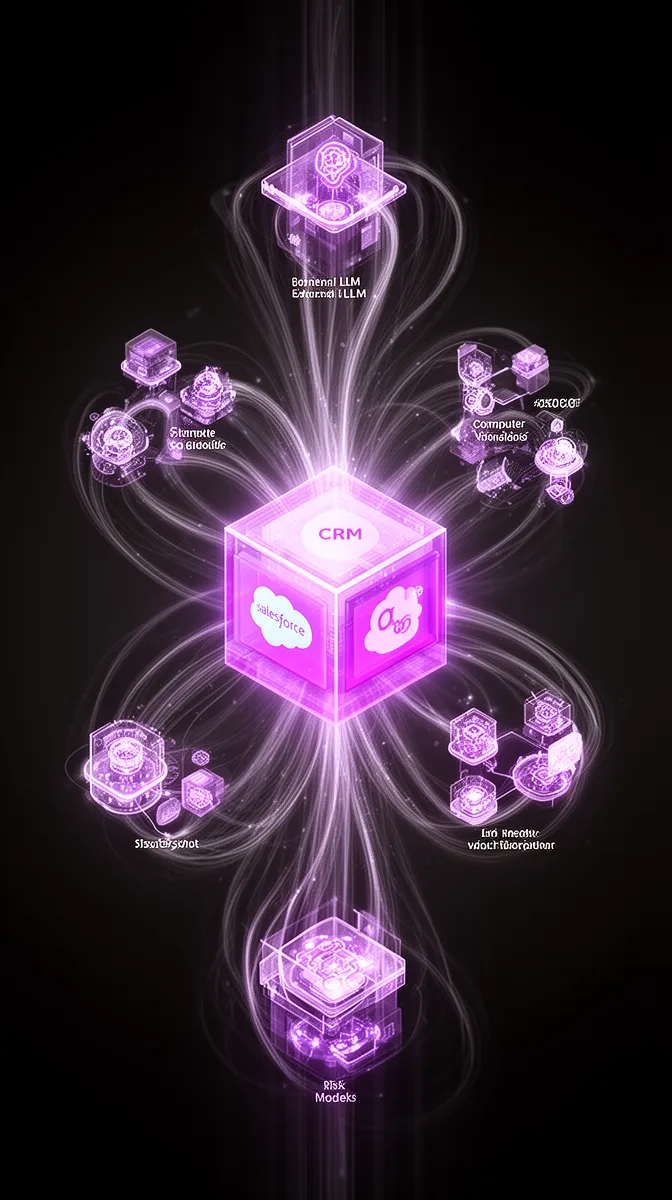
The real magic happens when Einstein and external AI talk to each other. Instead of two separate “brains” competing, you orchestrate them as one system.
One pattern: feed Einstein predictions as features into external models. For instance, Einstein Prediction Builder produces a churn risk score that becomes an input to a more complex retention-optimization engine running outside Salesforce. That engine then returns an optimal offer or playbook, which appears as an Einstein Next Best Action card in the CRM.
Another pattern: external LLMs generate narrative explanations or action plans on top of Einstein insights. A sales console might show Einstein’s numeric scores and recommendation, along with an LLM-generated “talk track” tailored to the customer’s history and preferences. Technically, that’s simply orchestrated via Salesforce API integration and a consistent UI region for “AI insights.”
Architecturally, you want a single, consolidated area in Salesforce pages where all AI outputs appear—scores, cards, narratives, and suggested actions—regardless of their source. Users shouldn’t need to know or care which vendor produced which piece; the system handles that via configuration and governance.
Technical integration options: Apex, MuleSoft, and APIs
Under the hood, there are several ways to connect external AI in an additive way. Choosing between Apex integrations, MuleSoft integration, or direct API calls is less about fashion and more about reliability and governance.
The simplest pattern is an Apex callout from Salesforce to an external AI service. For example, when a case is created, an Apex trigger sends the description to an AI summarization API and writes the returned summary to a custom field or related record. From the user’s perspective, it’s just another field on the case layout.
For more complex orchestrations—multiple AI providers, non-Salesforce systems, or heavy traffic—MuleSoft integration can act as the brain. Salesforce sends minimal context to MuleSoft; MuleSoft routes requests to the right external AI, manages retries and rate limits, and logs activity for observability.
In both cases, you can lean on AI API integration services from partners like Buzzi.ai to design production-safe patterns around rate limiting, error handling, and fallbacks. The goal is not just to prove that Salesforce API integration “works,” but to make sure it scales and fails gracefully in real-world usage.
Governance, Data, and ROI for Einstein‑Aware AI Integrations
Data and security when combining Einstein and external AI
Designing complementary AI is only half the job. The other half is making sure your data and security posture keep up as you mix Salesforce Data Cloud, Einstein, and external services.
When you send Salesforce data to external AI, you’re extending your attack surface and compliance obligations. You need clear policies for PII handling, data residency, field-level security mapping, OAuth scopes, and audit trails. A robust Salesforce AI strategy bakes this into every integration design.
One common pattern: redact or mask sensitive fields before external calls. For example, when summarizing support cases with an LLM, you pass the issue description and product details but remove names, emails, phone numbers, and IDs. The full record—with PII—remains inside Salesforce, protected by its security model; the AI only sees what it actually needs.
This is where dedicated AI security consulting and AI compliance consulting pay off. You’re effectively operating a shared-responsibility model across Salesforce, your AI vendors, and your own infrastructure, and you need clear boundaries defined.
Governance and change management inside Salesforce
Even the best technical architecture can fail if you don’t manage change. Einstein and external AI directly affect how sellers and agents work, which means governance is not optional.
Mature orgs establish an AI steering committee or working group that includes RevOps, Sales, Service, IT, and Security. They define model owners, approval workflows for new automations, and sandbox environments where teams can safely test new Salesforce workflow automation before going live.
Operationally, you’ll want clear documentation and in-app guidance explaining which suggestions come from Einstein and which from external AI—at least during rollout. Over time, the brand matters less than the behavior; what matters is that users trust the unified AI experience and know how to give feedback or report issues.
This is a core part of responsible AI governance consulting: aligning experimentation with controls so that “move fast” doesn’t become “break pipelines.”
Measuring ROI of Einstein‑complementing integrations
Finally, you need a way to show that your Einstein-aware integrations are doing more than adding buzzwords. A CFO will ask: what did we get for this spend that Einstein alone wouldn’t have delivered?
The right answer is to measure incremental impact versus an Einstein-only baseline. That’s where disciplined ai development ROI practices come in. Set up controlled experiments where one group uses only Einstein features and another uses Einstein plus the new external AI integration.
Key metrics typically include:
- Conversion lift above Einstein-only for specific funnels (e.g., demo-to-opportunity, opportunity-to-win).
- Average handle-time reduction for service cases, beyond what Service Cloud Einstein delivered.
- Changes in CSAT/NPS, particularly for complex or high-value interactions.
- Reduced tool and license spend through consolidation and removal of redundant AI products.
- Time saved per user per week, translated into capacity or cost savings.
This is the heart of CRM AI optimization: you don’t just ask “did AI help?” You ask “how much more did this Einstein-complementing integration deliver versus Einstein alone, and at what cost?”
Building KPI dashboards that compare Einstein-only teams to Einstein+external-AI pilots makes these answers tangible. It’s also where partners experienced in workflow process automation can help you wire metrics directly into your operational systems.
Why Partner With an Einstein‑Aware Salesforce AI Integrator
What generic integrators usually miss
At this point, the gap between generic and Einstein-aware Salesforce AI integration services that complement Einstein should be clear. The technology pieces are accessible; the differentiation lies in how they’re used.
Many SIs have strong Salesforce credentials but shallow understanding of Einstein’s actual capabilities. They default to over-customizing with Apex, building brittle point solutions, or bolting on third-party tools where configuration would have sufficed. The result is fragmented AI that competes with, rather than amplifies, Einstein.
We’ve seen integrators build separate “AI portals” that live outside Salesforce, forcing reps to swivel-chair between systems. Adoption predictably suffers; the AI becomes a side project instead of part of the core Salesforce integration fabric.
What an Einstein‑first integration methodology looks like
An Einstein-first methodology inverts this. It starts with an Einstein capability assessment before any code is written or tools are bought. You systematically map your backlog against what Einstein can do today and what it could do with better configuration or data.
From there, you run a gap analysis: which use cases are partially or not covered, and why? Only then do you design an architecture for external AI that fills those gaps with minimal redundancy. Typically, you pilot in one business unit, establish governance and training, and then scale.
Imagine a mid-market firm with three different AI tools layered on Salesforce: one for lead scoring, one for email writing, and one for chatbots. An Einstein-aware partner rationalizes this to: Sales Cloud Einstein for scoring, Einstein GPT for core messaging, Einstein bots for standard flows, and one external LLM for deep technical content. Spend drops, adoption improves, and AI behaviors become more predictable.
This is what effective salesforce einstein integration consulting for additive ai looks like in practice.
How Buzzi.ai approaches Salesforce AI integration
At Buzzi.ai, we build Salesforce AI integration projects around a simple principle: Einstein is your AI operating system; we help you build the right apps on top.
Our engagements typically start with a 6–8 week assessment. We inventory your AI use cases, run an Einstein capability assessment, map overlaps, and design an additive architecture. Where external AI is justified, we bring expertise in LLM integration with Salesforce, AI agent development, and production-grade Salesforce integration patterns.
We also connect Salesforce to broader AI ecosystems: voice and chat agents that read/write CRM data, orchestrated workflows across systems, and governance frameworks that keep everything auditable. The outcome is not just “more AI,” but a coherent, Einstein-aware roadmap that your sales, service, and IT teams can actually operate.
If you’re staring at a pile of AI pitches and wondering what’s real, this is exactly the moment to bring in specialized ai integration services that are grounded in how your CRM actually works.
Conclusion: Make Einstein Your AI Baseline Before Buying More
If there’s one principle to take away, it’s this: Einstein is your baseline AI layer in Salesforce. You can’t design smart external AI without first understanding what you already own.
A structured use-case inventory and Einstein coverage map is the antidote to duplicated spend. It forces every prospective integration to clear a simple bar: “What does this deliver that Einstein cannot, and is that worth the cost and complexity?”
The most effective external AI integrations don’t try to replace Einstein; they fill specific, strategic gaps—deep domain language understanding, cross-system reasoning, specialized models—while staying tightly integrated with Salesforce workflows. Governance, data protection, and ROI measurement turn that design into something your CFO, CISO, and front-line teams can all support.
If you’re considering new AI tool purchases, we recommend pausing and running an Einstein-first capability assessment before you sign anything. When you’re ready, we’d be happy to help you design a Salesforce AI integration roadmap that maps what you already own, identifies true gaps, and builds additive, production-grade integrations. You can learn more about our services at Buzzi.ai.
FAQ: Einstein‑Aware Salesforce AI Integrations
What AI capabilities does Salesforce Einstein include out of the box?
Salesforce Einstein spans predictive, prescriptive, and generative AI across Sales, Service, Marketing, Analytics, and Data Cloud. Out of the box, you can get lead and opportunity scoring, case classification and routing, recommended actions, and basic bots, depending on your edition and add-ons. Newer features like Einstein GPT and Copilot also provide in-context email drafting, summarization, and natural-language actions directly in Salesforce.
How do I check if my AI use cases are already covered by Salesforce Einstein?
Start by listing your AI use cases—such as lead scoring, churn prediction, case triage, or email drafting—without referencing any tools. Then map each one against Sales Cloud Einstein, Service Cloud Einstein, Einstein Discovery, Prediction Builder, and Data Cloud, marking them as fully, partially, or not covered. This simple coverage matrix often reveals that many of your desired capabilities exist or are achievable via configuration before you buy any new tools.
When should I choose Einstein Prediction Builder instead of a custom model?
Use Einstein Prediction Builder when your use case fits standard CRM patterns: predicting binary outcomes or simple scores on Salesforce objects using data that’s mostly inside Salesforce. It’s ideal when you want admins to own configuration and prefer platform-managed MLOps. Consider custom models when you need to combine large volumes of external data, use specialized architectures, meet strict regulatory controls, or orchestrate predictions across multiple systems.
How does Einstein GPT compare to integrating third-party LLMs with Salesforce?
Einstein GPT is tightly integrated with your Salesforce data and metadata, making it a strong default for CRM-centric tasks like sales emails, call summaries, and knowledge article drafts. Third-party LLMs (e.g., via OpenAI or Anthropic APIs) are better suited to highly specialized domains, heavy customization, or cross-channel reuse beyond Salesforce. Many teams run both: Einstein GPT for everyday CRM workflows, and external LLMs for deep technical content or multi-channel experiences.
What are examples of Salesforce AI integrations that duplicate what Einstein already does?
Common duplication examples include buying a separate lead scoring tool when Sales Cloud Einstein is already available, adding a generic AI email writer despite Einstein GPT coverage, or deploying external chatbots that mirror Einstein bots and Next Best Action logic. These tools often recreate the same predictions and recommendations that native Einstein features can handle. The result is duplicated costs, conflicting guidance for users, and fragmented analytics across systems.
How can I integrate external AI with Salesforce using Apex, MuleSoft, or APIs?
Apex callouts are the simplest option: triggers or flows send data to an external AI service and write results back to Salesforce fields or related records. For more complex scenarios involving multiple AI providers or non-Salesforce systems, MuleSoft can orchestrate calls, manage rate limiting, and centralize observability. In both cases, robust AI API integration services help ensure your integrations are secure, resilient, and aligned with Salesforce best practices.
What are good use cases for complementary AI that adds to, not replaces, Einstein?
Great complementary use cases usually involve deep domain knowledge or data Einstein wasn’t built to handle. Examples include LLMs trained on complex contracts or RFPs, models that interpret rich telemetry or logs from your product, or computer vision applied to images and PDFs attached to cases. In each scenario, Einstein still handles core CRM predictions while external AI augments specific workflows with capabilities beyond Salesforce’s opinionated scope.
How do I avoid paying twice for AI when I already license Salesforce Einstein?
The most effective way is to adopt an Einstein-first evaluation process for any new AI purchase. For each proposed tool, ask explicitly which Einstein features it overlaps with, and require a concrete explanation of net-new capabilities. Back this up with a use-case inventory and coverage map so your RevOps, IT, and procurement teams have a shared view of what Einstein already provides before approving additional AI spend.
How should I measure ROI for Einstein-aware Salesforce AI integrations?
Measure incremental impact by comparing Einstein-only baselines against pilots that add external AI. Track metrics like conversion lift, win rates, handle-time reduction, and CSAT improvements, plus hard savings from retiring redundant tools or consolidating licenses. Present results in CFO-ready dashboards that clearly attribute gains to specific Einstein-complementing integrations rather than generic “AI initiatives.”
Why should I work with a specialist like Buzzi.ai instead of a generic Salesforce integrator?
Specialists like Buzzi.ai focus on salesforce ai integration services that complement Einstein, not replace it. We start with an Einstein capability assessment, design around additive use cases, and bring deep experience integrating LLMs, agents, and workflows without creating redundant tools. Generic integrators often over-customize or bolt on extra products; an Einstein-aware partner helps you protect your AI budget while maximizing what you already own.


