Computer Vision Solutions That Start With Deployment, Not Models
Learn how to design computer vision solutions with the right cloud, edge, or hybrid deployment architecture to cut latency, cost, and risk at scale.
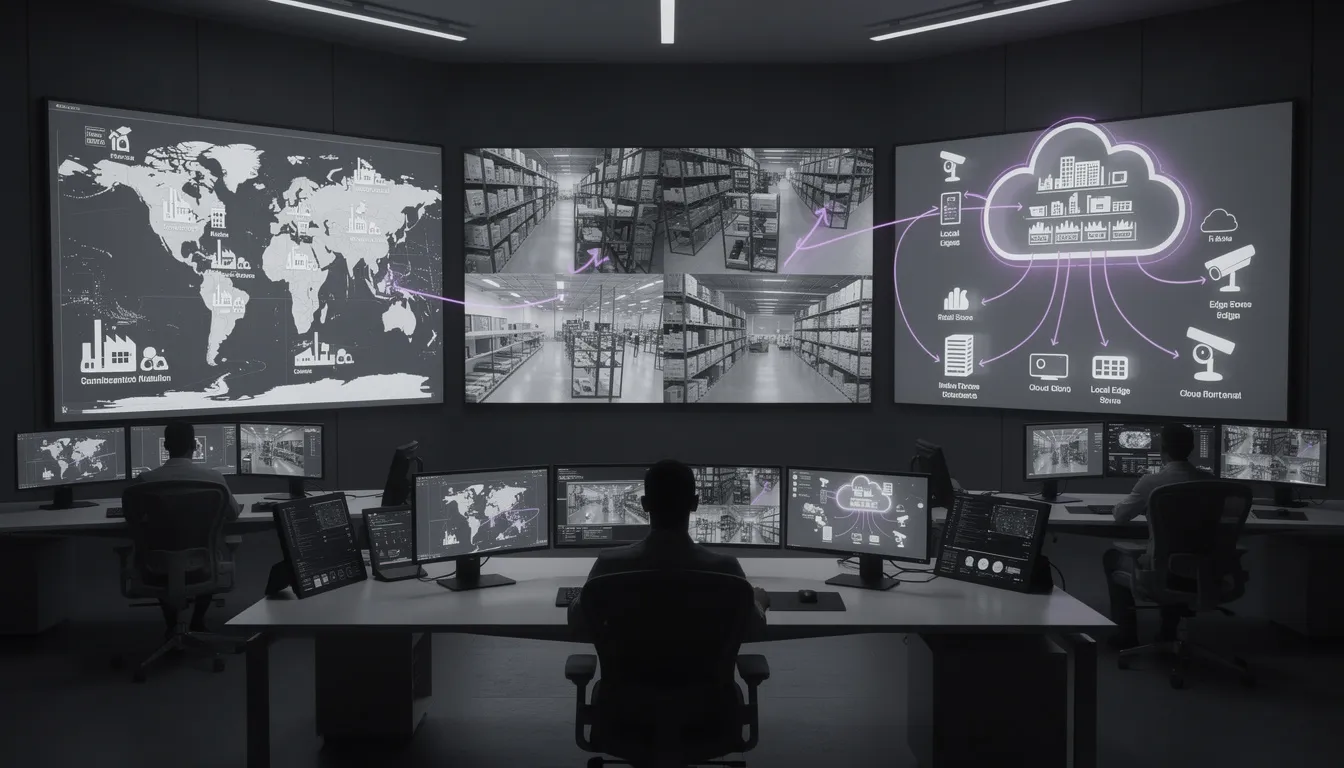
In most real-world computer vision solutions, the deployment architecture you choose—cloud, edge, or hybrid—decides your success long before model accuracy does. The model demo in the lab might look magical, but once you point it at 200 live cameras across 50 sites, the real bottlenecks show up: latency, bandwidth, cost, and compliance.
We’ve seen this movie many times. A team gets a great proof of concept running on a few sample clips in the cloud. Then, when they try to scale, the cloud bill spikes, alerts arrive seconds too late, and legal adds weeks of questions about data privacy compliance. The model wasn’t the problem; the computer vision deployment was.
If you’re dealing with unpredictable cloud costs, choppy real-time video analytics, or friction with security and compliance, you’re not alone. What you need is a practical way to decide: should this workload live in the cloud, on the edge, or in a hybrid computer vision architecture?
In this article, we’ll walk through a deployment-first framework for designing cloud, edge, and hybrid computer vision solutions. We’ll map tradeoffs with simple numbers, show patterns that work at scale, and highlight pitfalls to avoid. And we’ll share how we at Buzzi.ai design deployment-optimized architectures first, then fit models and MLOps around them.
Why Deployment Architecture Makes or Breaks Computer Vision Solutions
From model-centric to deployment-first thinking
Most teams start computer vision projects in a model-centric way: choose a dataset, pick a model, measure accuracy. That’s useful, but it hides the fact that in production, latency, bandwidth, reliability, and cost usually dominate business value once you’re past “good enough” accuracy.
Imagine a retail chain rolling out real-time video analytics for queue detection at checkout. Version A of the model is 94% accurate and runs at 40 ms per frame; Version B is 96% accurate but needs 200 ms per frame and 3x the GPU. If the system has to detect queues and alert staff in under 300 ms end-to-end, Version A easily fits; Version B barely does, and only with much more expensive hardware.
Past a threshold—say 90–93% accuracy for a given use case—improving accuracy by 1–2 points often brings disproportionate computational cost. Those costs show up as higher cloud bills, hotter edge devices, and slower throughput. A “good enough model, excellent deployment” almost always beats a “state-of-the-art model, bad deployment” when measured in actual ROI.
This is why we push for a deployment-first mindset. Start by asking: what latency-sensitive applications are we building? What’s the max allowed end-to-end latency? What bandwidth exists between cameras and the cloud? What’s our privacy posture? Only then choose models and a model deployment pipeline that fit the constraints.
The six constraints that actually decide your architecture
Across projects, we see six constraints consistently decide whether cloud, edge, or hybrid is the right answer:
- Latency: End-to-end time from photons hitting the camera to an action—often measured in milliseconds. Safety interlocks might require <100 ms; analytics dashboards might tolerate seconds or minutes.
- Bandwidth: Uplink Mbps available per camera and per site. This is usually the hard cap for streaming video processing into the cloud.
- Cost: Not just current cloud rates, but total cost of ownership across compute, storage, egress, edge hardware, and operations.
- Privacy & compliance: Are you allowed to send raw video off-premise? Are there data residency rules? Do you need strong data privacy compliance measures?
- Reliability: How often does the network drop? Can your application tolerate missed events or delayed processing?
- Scalability: How many cameras, sites, and models will you manage in 6–24 months?
Different computer vision solutions weight these dimensions very differently. For example:
- Safety monitoring in a factory cares most about latency and reliability. If someone steps into a restricted zone, missing one frame can be catastrophic.
- Retail heatmaps care more about cost and scalability. They’re aggregating patterns over hours or days; sub-second reaction times don’t matter.
- Anomaly detection systems in logistics may balance latency (catching misloads quickly), bandwidth constraints (many cameras across sites), and data privacy compliance (packages, people, and plates in view).
Before you ask “cloud or edge?”, you should be explicit about how you rank these six constraints. That ranking is what your architecture must respect.
Why so many pilots fail at the deployment layer
The most common failure pattern we see is this: a pilot runs entirely in the cloud on a small dataset, looks great in demos, and then collapses when it hits real traffic. The triggers are predictable—skyrocketing data egress bills, saturated links, and latency that’s fine on a developer’s desk but unusable when cameras are geographically distributed.
Consider a manufacturing POC where 4 cameras stream to a cloud region with no issues. At rollout, 80 cameras per plant across 20 plants are enabled. Suddenly, they’re trying to push terabits of video over links designed for email and ERP, discover that their ISP uplink is the bottleneck, and realize their monthly bill has an extra line item bigger than the original project budget. This is not a fringe story; news outlets have covered enterprises shocked by cloud video analytics costs when moving beyond POC.
Underneath is often an organizational gap: strong data science talent but less experience with edge computer vision, networks, and distributed systems. MLOps for computer vision is treated like web app DevOps, not like a continuous streaming system. The fix is to adopt a deployment decision framework before the modeling work goes too deep—and to bring in people who think in networks and topologies, not just in Jupyter notebooks.
For a deeper dive on this “application-first” idea, see our perspective in Computer Vision Development Services Built for the Real World, where we argue that deployment constraints should shape what you build from day one.
A Practical Framework to Choose Cloud, Edge, or Hybrid Computer Vision
Step 1: Map your use case to latency and privacy needs
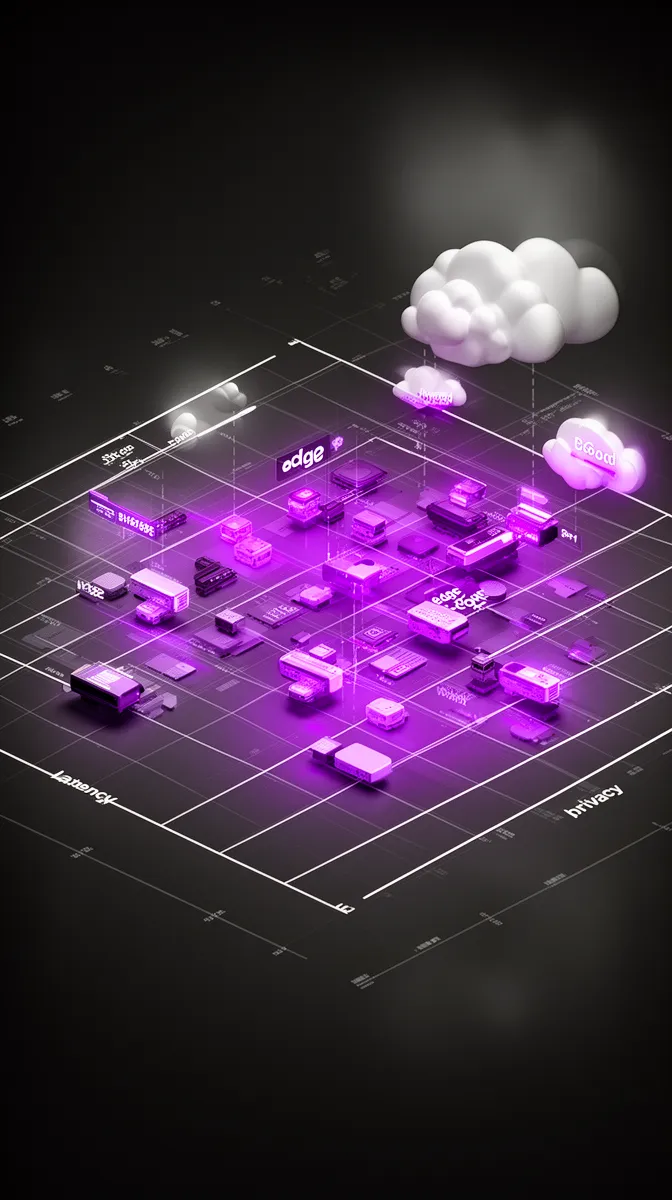
If you want to know how to choose between cloud and edge for computer vision, start with two axes: latency and privacy. Latency defines how quickly the system must react; privacy defines what data is allowed to move where.
We can think in rough latency bands:
- Sub-100 ms: Hard real-time and safety-critical actuation—robot interlocks, machine stop triggers, collision avoidance. These are classic latency-sensitive applications.
- Sub-second: Interactive UX—digital signage reacting to presence, live queue alerts, in-store assistance.
- Seconds–minutes: Operational analytics—staffing optimization, dwell time heatmaps, periodic quality checks.
- Batch (hours–days): Audits, compliance reviews, long-term behavior analysis.
Privacy and data residency add another dimension:
- Raw video can leave the site (with consent and controls).
- Only metadata or cropped snippets can leave (e.g., counts, bounding boxes, anonymized frames).
- Nothing leaves: strict on-premise computer vision, often in regulated or air-gapped environments.
Put these together, and many choices are already made for you. An industrial safety shutoff requiring <100 ms and prohibiting raw video offsite clearly wants local, edge computer vision. In-store customer analytics that tolerate minutes of delay and allow metadata uploads may prefer cloud computer vision to simplify operations. Remote quality control that needs sub-second response but can send only anonymized crops might point toward a hybrid computer vision architecture with on-site preprocessing and cloud-based expert models.
Step 2: Quantify bandwidth and topology of your sites
Next, look at bandwidth and topology. It’s tempting to design around camera resolution (“we have 1080p streams”) instead of the actual uplink per site and how many cameras share it. But bandwidth constraints are often the hard limit in cost effective computer vision solutions for on premise and cloud.
As a quick sanity check, suppose you have 50 IoT cameras in a warehouse, each streaming at a modest 4 Mbps. That’s 200 Mbps if all are active. Many business uplinks are 100 Mbps or less in practice, especially in secondary locations. Even if your ISP can sell you more, sending 24/7 video to the cloud is expensive in both egress and compute.
Site topology matters too:
- Single large sites (factories, distribution centers) may justify beefy on-prem gateways or servers for streaming video processing.
- Many small sites (retail branches, ATMs) might favor lightweight edge devices per site plus centralized cloud analytics.
- Highly remote or mobile sites (ships, vehicles, rural plants) often have fragile network reliability, pushing you toward edge-first inference.
Once you do the math—bitrate per camera × number of cameras × hours per day—you usually see that sending everything to cloud continuously is infeasible. Instead, you architect cost effective computer vision solutions for on premise and cloud that process most data near the source and send up only what’s necessary.
Step 3: Align architecture with cost and scale targets
Cost is where many “cheap-looking” cloud POCs turn into expensive surprises at scale. To avoid that, break down the main cost drivers:
- Cloud compute: GPU/CPU hours for inference and training.
- Cloud storage: Keeping raw video, clips, and derived data.
- Network & egress: Moving video into and out of the cloud.
- Edge hardware: GPUs, accelerators, and ruggedized gateways.
- Operations: People time for deployment, monitoring, and support.
Now imagine a retail chain with 100 stores:
- All-cloud: Every camera streams to the cloud. You minimize on-site hardware but pay for continuous cloud compute, storage, and egress. Month-one may look okay; by month 12, volume and scalable inference requirements drive heavy spending.
- All-edge: Each store has an on-prem server doing all inference. CapEx is high up front, but ongoing cloud costs are minimal. However, you must manage distributed hardware and keep computational cost down with optimized models.
- Hybrid: Edge devices do real-time inference locally; the cloud handles model training, fleet management, and cross-store analytics. You balance OpEx and CapEx and can tune over time.
The question “what is the best architecture for deploying computer vision at scale?” is really “what 3–5 year TCO are we willing to support for this use case?” That’s why we recommend simple TCO models early, not just checking month-one cloud spend.
Step 4: Choose cloud, edge, or hybrid patterns
With constraints and cost in hand, we can make structured choices between computer vision solutions for edge deployment, cloud, and hybrid. A few decision rules we often use:
- If latency must be <200 ms and video cannot leave the site, prioritize edge AI solutions with on-device or on-prem inference.
- If latency can be >1 second, bandwidth is ample, and privacy concerns are low, a cloud computer vision deployment can be viable and simpler.
- If you need low-latency alerts locally but also want centralized analytics and model training, a hybrid computer vision architecture is the default.
In many enterprises, the answer ends up being hybrid cloud edge computer vision solutions for enterprises: some processing near the camera to satisfy latency and privacy, some in the cloud for scale and flexibility. Importantly, “hybrid” should be intentional, not a leftover mix of edge POCs and cloud experiments.
When we design computer vision solutions for edge deployment, we also plan for future shifts. Architect today so you can move workloads between cloud and edge tomorrow as regulations, costs, or business priorities change.
Cloud Computer Vision: When Centralization Wins—and When It Breaks
Strengths of cloud-centric computer vision
Cloud-centric architectures shine when you can centralize processing without violating constraints. Cloud native computer vision leverages elastic scaling, powerful GPUs, and managed ML platforms that shrink your ops burden.
Typical sweet spots:
- Offline or periodic processing: Auditing ATM footage for fraud patterns weekly, or scanning random samples for compliance violations.
- Cross-site analytics: Comparing behavior across regions, running A/B tests on layouts, or spotting systemic patterns.
- Heavy experimentation: Training, evaluating, and redeploying models rapidly using managed MLOps for computer vision pipelines.
For example, a financial services firm might use cloud computer vision to periodically analyze ATM surveillance videos for fraud signatures. Cameras buffer locally, and once a day upload compressed segments to a central system, which runs batched real-time video analytics (in the sense of processing at video speed) without needing per-site GPUs.
Limits: latency, bandwidth, and privacy walls
Cloud’s biggest weaknesses are latency, bandwidth, and privacy. Streaming HD video continuously from many sites is expensive and often impossible over existing links. Even with modern codecs, dozens of cameras quickly exceed typical uplinks, causing dropped frames or forcing heavy compression.
Latency is not just inference time; it’s capture + encoding + transport + queuing + inference + response. Typical internet round-trip times are 40–80 ms under good conditions. Add encoding and processing, and achieving <100 ms end-to-end from a far-edge camera to the cloud is unrealistic for most deployments.
Then there’s compliance. Regulations like GDPR and sector-specific rules restrict where personal data and video can be processed and stored. Data privacy compliance may require that video stays within a country or never leaves a facility. Data residency rules can make “just stream it all to US-East-1” impossible, which is why industry guidance on video surveillance and privacy is increasingly explicit about on-prem requirements.
So while the cloud looks like infinite capacity, bandwidth constraints, data residency, and network reliability draw a hard boundary. To build cost effective computer vision solutions for on premise and cloud, you have to respect that boundary.
Design patterns for effective cloud-first CV
When a cloud-first strategy does fit, design it to be efficient—and ready to go hybrid later.
- Don’t stream everything: Buffer at the edge and upload in batches. Use triggers to send only relevant clips, or even just detected features, not full streams.
- Separate training and inference: Use the cloud for heavy training, model management, and experimentation, even if you later move inference to the edge.
- Build a flexible model deployment pipeline: Treat “cloud today, edge tomorrow” as a first-class requirement. APIs and CI/CD should not hardcode deployment location.
A common pattern is: an edge device does lightweight detection (e.g., motion, basic anomalies), flags interesting windows, and uploads only those segments to a cloud service. The cloud then runs deeper analysis, connects events across sites, and retrains models. This preserves scalable inference centrally while keeping bandwidth under control and aligning with MLOps for computer vision best practices.
Edge Computer Vision Solutions: Turning Cameras into Smart Sensors
What “edge” really means for computer vision
Edge isn’t a single thing. In edge computer vision, there are several tiers:
- On-device inference: Models running directly on the camera or an embedded module attached to it.
- On-premise servers/gateways: A small rack or industrial PC in the plant or store handling multiple streams.
- Near-edge data centers: Regional facilities physically closer than a hyperscale region, reducing latency somewhat.
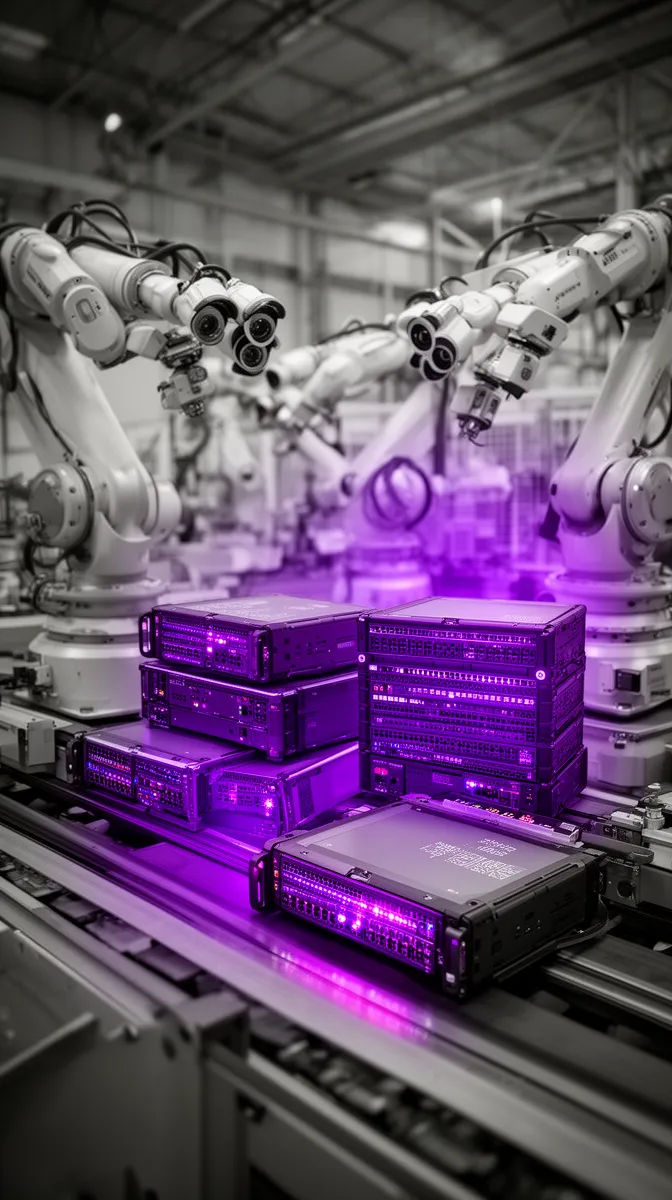
The benefits are clear: low latency, reduced backhaul bandwidth, and stronger control over data. Edge essentially turns cameras into smart sensors that emit decisions or anonymized events, not raw video firehoses. This is vital for smart factory monitoring and other latency-sensitive, privacy-critical applications.
But there are constraints. Many devices are resource constrained devices: limited CPU, GPU, memory, and power. You can’t just drop your favorite giant model on a Raspberry Pi and expect 30 FPS. Designing edge AI solutions is about making the most of the hardware envelope you have.
For example, in a smart factory, you might deploy gateway servers that ingest multiple streams, run inference locally, and only send aggregated alerts to central systems. The network carries what matters, not the raw pixels.
Model optimization: enabling real-time inference on constrained hardware
To make on-device inference viable on the edge, you almost always need model optimization. Techniques like quantization (reducing precision), pruning (removing redundant parameters), and knowledge distillation (training smaller models from larger ones) can shrink models dramatically.
The tradeoff is simple: accept a small drop in accuracy for a big gain in latency and cost. A pruned and quantized model might run 4–6x faster and fit into a tiny accelerator, enabling 25–30 FPS instead of 5 FPS. That can be the difference between catching defects on the fly and missing them entirely.
Imagine a defect detection system using a ResNet-style model. In the lab, the full model achieves 97% accuracy at 5 FPS on a GPU. On the production line, you need 25 FPS to keep up with conveyor speed. After optimization, you get a model that runs at 30 FPS on an edge GPU with 95% accuracy. The business almost always prefers slightly lower accuracy with real-time response over perfect accuracy that lags.
Careful model optimization and GPU acceleration turn theoretical models into production-ready components, keeping computational cost within the bounds of your edge hardware budget.
Operational challenges of distributed edge deployments
The flip side of edge is operational complexity. Deploying, monitoring, and updating models across dozens or hundreds of sites is non-trivial. You’re running distributed inference at the edge, not just a single central service.
Key challenges include:
- Software updates: How do you roll out new models and firmware safely? You need secure remote updates, version control, and rollback mechanisms.
- Monitoring: How do you know which devices are healthy, what latency they see, and whether their predictions drift?
- Network reliability: Some sites will lose connectivity; your system must degrade gracefully and recover automatically.
Without proper MLOps for computer vision, teams fall back to manual SSH sessions, ad-hoc scripts, and desperate Slack threads when something breaks. A single buggy model pushed to 200 factories can halt operations. That’s why staged rollouts and canary deployments at the edge are not luxuries; they’re requirements for serious enterprise AI implementation.
When edge-first architecture is non-negotiable
There are scenarios where edge-first is not just preferable; it’s mandatory. Safety interlocks, robotics, autonomous systems, and highly regulated or air-gapped facilities simply cannot depend on a remote data center.
In computer vision solutions for privacy sensitive environments—like pharmaceutical plants, energy facilities, or critical infrastructure—raw video may never leave the premises. Regulations and internal policies enforce strictly on premise computer vision. Here, the cloud may still play a role for aggregated analytics and offline model training, but inference happens locally.
These environments impose hard constraints around data privacy compliance and data residency. When those constraints exist, the question is not “cloud vs edge” but “how do we design the best edge architecture and augment it with controlled cloud capabilities where allowed?”
Hybrid Cloud-Edge Computer Vision: The Default for Enterprises
Why hybrid is often the pragmatic middle ground
For most enterprises at scale, the answer is neither pure cloud nor pure edge. It’s a deliberately designed hybrid computer vision architecture: low-latency inference and first-pass processing at the edge, with heavy analytics and model lifecycle management in the cloud.
This approach balances latency, bandwidth, privacy, and centralized control. You respect local constraints while still benefiting from global visibility and centralized MLOps. In practice, hybrid cloud edge computer vision solutions for enterprises become the default pattern across factories, stores, and logistics networks.
Take a retail chain: edge devices in each store run real-time video analytics to detect queues or unusual behavior. The cloud aggregates events across sites to spot macro trends—like which regions are understaffed on weekends—and to retrain models using curated samples. It’s one logical system with distributed responsibilities.
We see this pattern over and over, which is why our own deployment-ready AI solutions routinely include both edge and cloud components.
Common hybrid patterns that actually work
Within hybrid architectures, a few patterns recur because they work well.
- Pattern 1: Edge detection, cloud classification
Edge devices run lightweight detectors (e.g., “there is an object here”), then send cropped regions or short clips of anomalies to the cloud for deeper classification or forensics. This reduces bandwidth while using powerful cloud models only when needed. - Pattern 2: Edge inference, cloud aggregation
Edge performs full inference and acts locally. The cloud receives only aggregated metrics and events—for dashboards, trend analysis, and alerting. Raw video stays on-site. - Pattern 3: Site gateways + regional hubs
Each site has an edge gateway. Regional cloud hubs coordinate model deployment, configuration, and monitoring across many gateways. This keeps latency low locally but centralizes fleet management, a key part of robust enterprise AI solutions.
These are ways to combine on-device inference and edge analytics with cloud-based intelligence. In all of them, data moves purposefully: most bits never leave the edge; what does move is shaped by business value.
Architecting MLOps and monitoring for hybrid deployments
Hybrid architectures only work if the underlying MLOps and monitoring are themselves hybrid-aware. You need a centralized model registry and CI/CD pipeline that can push models to both cloud endpoints and edge gateways—and keep track of what is where.
A robust setup includes:
- Model registry with versioning and metadata about where each version is deployed.
- Deployment orchestration for sending containers or models to devices, with staged rollouts and rollback support.
- Monitoring stack that collects metrics from both edge and cloud: latency, error rates, resource usage, and drift signals.
This is not theoretical. Effective MLOps for computer vision is table stakes for serious enterprise AI implementation. Architecture diagrams may look neat, but the day-to-day health of your hybrid system depends on the plumbing of your model deployment pipeline and observability.
Scaling from pilot to multi-site rollout without chaos
Scaling from a single pilot site to dozens of sites is where many teams hit a wall. Managing configuration differences, varying network conditions, and local regulations across 50+ locations is a different problem than making one demo work.
To answer “what is the best architecture for deploying computer vision at scale?” you must think in terms of templates and reference architectures. For each site type—small store, mega-warehouse, factory—you define a standard blueprint: what hardware, what topology, what observability.
Early investment in automation and observability pays off exponentially. Instead of bespoke installs, you have repeatable deployment pipelines and dashboards across your enterprise AI solutions. That’s how you avoid waking up one day with 80 fragile snowflake deployments that no one understands.
Avoiding Common Deployment Mistakes in Computer Vision Projects
Mistake 1: Treating CV like a generic web app
One fundamental mistake is assuming you can treat computer vision deployment like shipping a typical web application. Web traffic is bursty and request/response; video is continuous and stateful. The scaling curves are different.
If you underestimate the difference between a single 1080p camera stream and “1000 web requests per second,” you’ll mis-size your infrastructure. A camera can generate tens of gigabytes per day. Multiply that by hundreds of cameras and always-on streaming video processing, and you’re in a different universe from API traffic.
That’s why “just put it in the cloud and auto-scale” is not a complete plan for real-time video analytics. You need an architecture that understands continuous flows, not only discrete requests.
Mistake 2: Ignoring bandwidth, topology, and regulations until late
The second big mistake is treating bandwidth, topology, and regulations as afterthoughts. Teams prototype in a lab with perfect connectivity and only later discover that real sites have limited uplinks, firewalls, and strict data residency rules.
This can force expensive re-architecture. For instance, a European deployment that centralizes video in a US cloud region may run afoul of GDPR and local regulator guidance on data privacy compliance and data residency. Fixing this after you’ve built everything for centralization is painful.
The solution is to involve network, security, and compliance teams from the beginning. Make bandwidth constraints and network reliability hard inputs into your design, not optional considerations later.
Mistake 3: Underestimating edge operations and lifecycle
The third mistake is underestimating how hard edge operations will be. Updating a few edge devices by hand seems easy—until you have 30 sites and 300 devices.
Manual SSH sessions, ad-hoc scripts, and spreadsheet-based inventory don’t scale. You quickly end up with inconsistent versions, unmonitored failures, and fragile systems. Without edge-aware MLOps for computer vision, reliable distributed inference across sites is impossible.
Effective enterprise AI implementation plans for lifecycle management from day one: configuration management, rollback strategies, and continuous monitoring. It may feel like “extra work” during a pilot, but it’s the difference between a science project and a production system.
How the right partner changes the risk profile
All of this is why many enterprises look for computer vision solution providers with edge optimized deployment expertise, not just teams that can train a model. You’re not only buying accuracy; you’re buying an architecture and an operational posture.
What should you look for in top computer vision companies offering edge and cloud deployment?
- Proven experience with hybrid architectures, not just single-site demos.
- Ability to model cost and constraints across cloud and edge.
- Privacy-by-design practices and comfort with regulated industries.
- Tooling and processes for multi-site rollouts and ongoing support.
A capable AI solutions provider will start by interrogating your constraints, not pitching a one-size-fits-all stack. They should be comfortable saying “this part belongs on-prem; that part belongs in the cloud” and backing it up with numbers.
How Buzzi.ai Designs Deployment-Optimized Computer Vision Solutions
Starting from constraints, not technology preferences
At Buzzi.ai, we design computer vision solutions by starting from constraints, not from our favorite tools. Our intake process is essentially a structured AI readiness assessment: we map your latency targets, privacy rules, bandwidth realities, and cost envelopes before suggesting any architecture.
We treat this as a form of AI discovery and AI strategy consulting. In a workshop, we translate your business goals (“reduce safety incidents,” “optimize staffing,” “catch defects early”) into deployment requirements. From there, the cloud vs edge vs hybrid decision often becomes obvious.
We’re deliberately vendor-neutral. If your best outcome is an on-premise, edge-first design, we’ll say so. If cloud-first with later hybridization is most practical, we’ll articulate that path. Our job is to operationalize the framework you’ve just read into concrete project plans.
Architecture blueprints for cloud, edge, and hybrid rollouts
Over time, we’ve developed reference architectures for common patterns: smart factory monitoring, retail video analytics, logistics tracking, and more. These blueprints define how data flows, which components live where, and how we maintain observability and control at scale.
For example, a smart factory blueprint might use edge gateways for low-latency inference and anomaly detection systems on the line, with the cloud handling retraining and cross-site benchmarking. A retail blueprint might favor lightweight in-store devices feeding a central analytics hub.
These designs are built to support hybrid cloud edge computer vision solutions for enterprises, including governance, monitoring, and rollout processes. Because we deliver full-stack—from models to infrastructure to AI model deployment services—we can adapt a blueprint to your environment and industry-specific constraints for enterprise AI implementation or targeted computer vision development.
From pilot to multi-site: engagement models that scale
We also think carefully about how projects evolve. Our engagements typically move through clear phases: discovery and design, pilot/MVP, and scaled rollout. Each phase has explicit exit criteria tied to performance, reliability, and cost.
In a pilot, we’ll stand up computer vision solutions for edge deployment at a small number of sites, validate the architecture, and test MLOps pipelines. When we move to 10+ sites, we standardize templates and automation. Throughout, we offer ongoing AI implementation services—monitoring, model updates, and cost optimization.
Whether you’re exploring AI for manufacturing, AI for retail, or another sector, the goal is the same: a deployment-optimized system that can scale without surprise costs or compliance headaches. If you want to see how this would look for your use cases, our AI discovery and architecture workshops are a good starting point.
Conclusion: Architect Deployment First, Then Models
Deployment architecture—cloud, edge, or hybrid—often matters more than incremental model accuracy for real-world ROI. The six constraints we’ve discussed—latency, bandwidth, cost, privacy, reliability, and scalability—provide a clear lens for choosing the right architecture for each use case.
Cloud computer vision excels at centralized analytics and experimentation, but runs into bandwidth and privacy walls. Edge computer vision solves latency and privacy but adds operational complexity. In practice, most enterprises end up with hybrid patterns that combine the strengths of each in a deliberate hybrid computer vision architecture.
The common thread is that MLOps and lifecycle management must be designed differently for distributed edge and hybrid systems. That’s where a deployment-first partner like Buzzi.ai can materially reduce your risk. If you’d like to review an existing deployment—or design a new one—through this lens, you can talk to Buzzi.ai about your computer vision deployment and explore how we’d approach a pilot or architecture review focused on cloud, edge, or hybrid optimization.
FAQ
Why does deployment architecture matter more than the specific computer vision model?
Beyond a certain accuracy threshold, deployment constraints like latency, bandwidth, and privacy dominate whether a system delivers value. A slightly less accurate model that runs reliably within latency and cost budgets will usually outperform a cutting-edge model that is too slow or expensive in production. In other words, the right architecture turns good models into working products; the wrong one can make great models unusable.
How do I choose between cloud, edge, and hybrid for my computer vision solution?
Start by mapping your use case against latency and privacy requirements, then quantify bandwidth and site topology. From there, model basic 3–5 year TCO for cloud vs edge vs hybrid, including operations and compliance costs. In many cases, you’ll find some workloads are naturally edge-first, others cloud-friendly, and the overall system wants a hybrid design.
What are the latency and bandwidth tradeoffs between cloud and edge computer vision deployments?
Cloud deployments benefit from elastic compute but pay a penalty in network latency and bandwidth, especially when streaming many HD feeds from remote sites. Edge deployments minimize latency and backhaul by processing near the source but require more careful hardware sizing and operations. The optimal mix depends on whether your application is safety-critical, interactive, or batch analytics oriented.
When is a hybrid cloud-edge computer vision architecture the right choice for enterprises?
Hybrid architectures make sense when you need low-latency local decisions plus centralized analytics, model training, and fleet management. For example, factories or stores may run inference at the edge to drive immediate actions while sending aggregated metrics and selected clips to the cloud for cross-site intelligence. For large enterprises, hybrid is often the pragmatic default rather than the exception.
How do bandwidth limitations affect large-scale computer vision deployment decisions?
Bandwidth caps how much video you can realistically move off-site. When uplink capacity per site is limited, streaming everything to the cloud becomes infeasible or prohibitively expensive. In practice, this pushes designs toward edge or hybrid patterns where most frames are processed locally and only events, metadata, or filtered clips traverse the network.
What is the best architecture for deploying real-time video analytics across many cameras?
For real-time analytics across many cameras, edge-first or hybrid is usually best. Edge devices handle first-pass detection and alerts to keep latency low and bandwidth under control, while the cloud aggregates events for broader insight. The exact split depends on your safety requirements, privacy rules, and tolerance for centralized vs distributed operations.
How can I keep computer vision data private while still using powerful cloud models?
One approach is to anonymize or compress data at the edge before sending anything to the cloud—cropping to regions of interest, blurring faces, or converting raw video into structured events. You can also keep all inference on-prem and use the cloud only for training on synthetic or anonymized datasets. Aligning these tactics with your legal and compliance teams ensures privacy while still benefiting from modern cloud tooling.
What are common mistakes teams make when deploying computer vision at the wrong layer?
Common mistakes include streaming all video to the cloud without considering bandwidth, ignoring data residency rules until late, and underestimating the complexity of managing many edge devices. Teams also sometimes choose cloud by default for safety-critical workloads that really need local inference. These missteps lead to projects that are too slow, too expensive, or impossible to scale.
How do I estimate total cost of ownership for different computer vision deployment architectures?
Build a simple model that includes cloud compute, storage, and egress; edge hardware and maintenance; and people costs for operations and support. Consider different growth scenarios over 3–5 years and stress test assumptions about camera counts and model complexity. Comparing all-cloud, all-edge, and hybrid scenarios side by side will clarify both financial and operational tradeoffs.
How can Buzzi.ai help design and deploy deployment-optimized computer vision solutions for my use cases?
Buzzi.ai starts with your constraints—latency, privacy, bandwidth, and cost—and uses structured discovery to recommend deployment architectures tailored to your environment. We bring reference designs for cloud, edge, and hybrid patterns, plus the MLOps and monitoring needed to scale from pilot to many sites. You can explore our approach and next steps through our AI-driven consulting and implementation services, or reach out directly for an architecture review.


